



 by GSV-R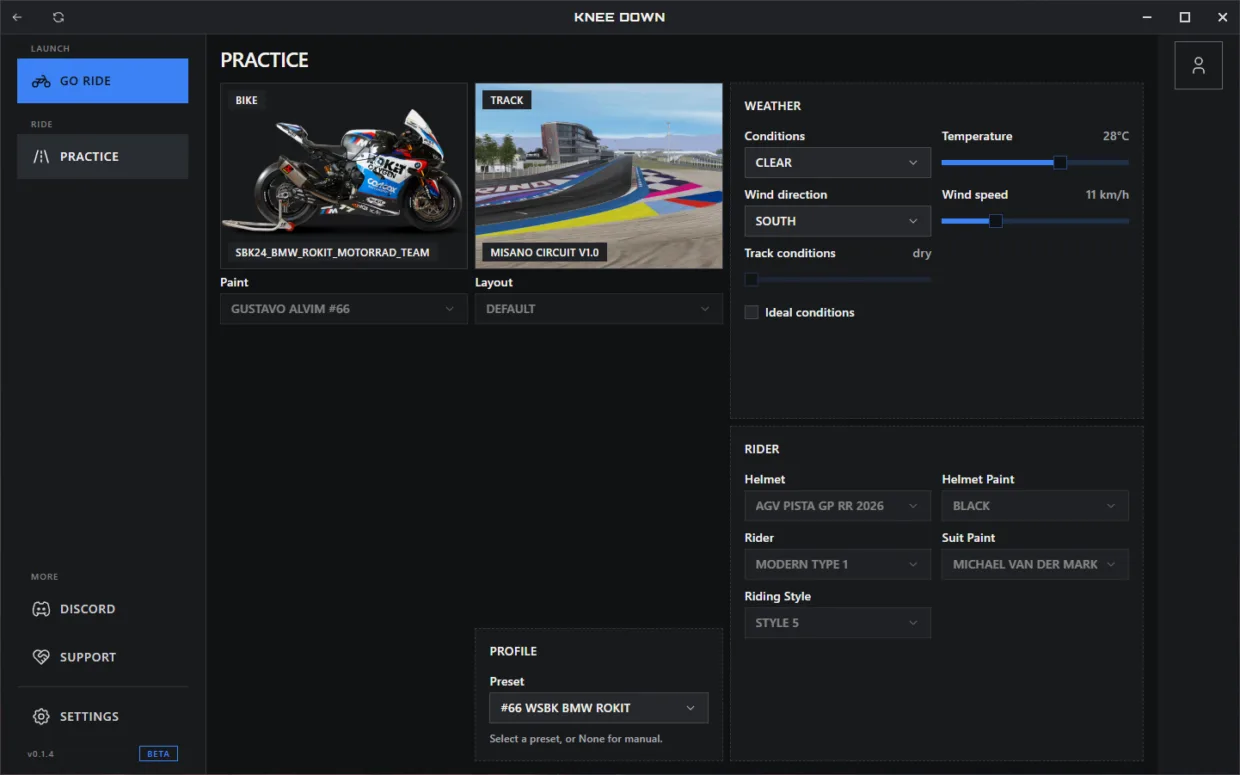
Description
Installation Guide
Follow the steps below to install Knee Down and get started.
Prerequisite
You must have launched the vanilla (unmodded) version of GP Bikes directly through Steam at least once. If you’ve already played the game without using Knee Down, you’re all set.
Installation
-
Download the latest installer from GitHub Releases.
-
Download KneeDown-<version>-Setup.exe.
-
Run the installer and follow the on-screen instructions.
Note: Ignore latest.yml and .blockmap. These are internal files used by the auto-update system.
Updates
Knee Down automatically detects, downloads, and installs new updates, then restarts itself. No manual update installation is required.
Downloads
Made for Beta 22.
Recommend Mod
Recommend this mod to other players. It needs 5 more recommendations.
