



 by Steffo
Description
Welcome to REALITY RESHADE V1.4
>>>>>>>>>>[1.4 NEEDS UNINSTALL & A FRESH INSTALL]<<<<<<<<<
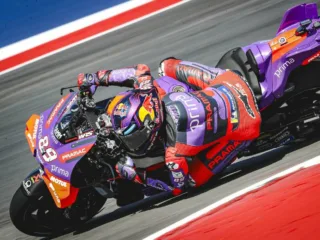
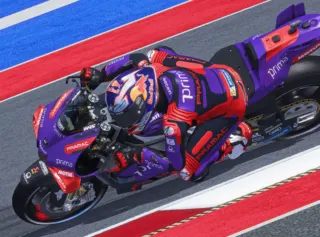
I’m always tinkering with the most real looking re-shade preset anyway so I might as well share it with the public.
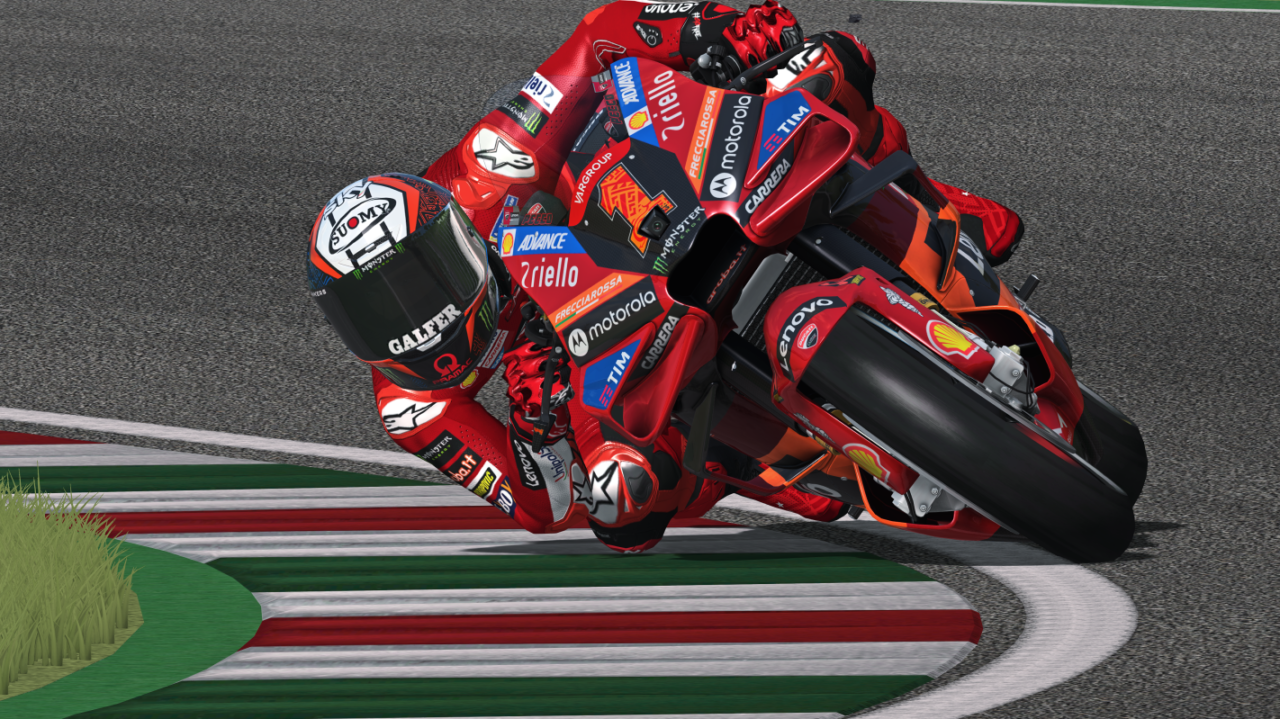
This is not perfect, since GPB has lots of limitations such as a simple lighting engine and variable quality of track colours.
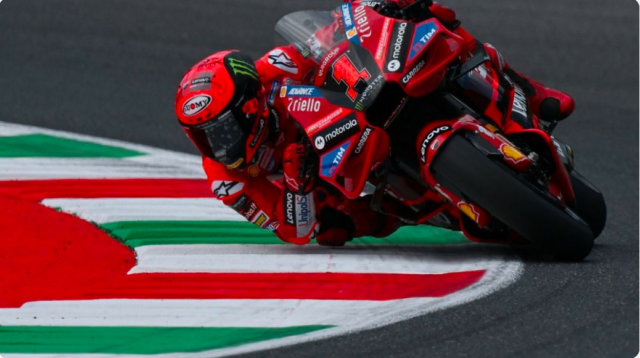
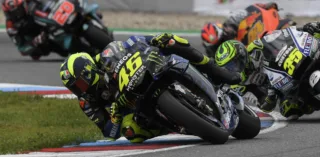
But I did a lot of side-by-side comparison with IRL pictures to match GPB to what it looks like from the angles, we see
infront of the screen – using MotoGP as a reference.
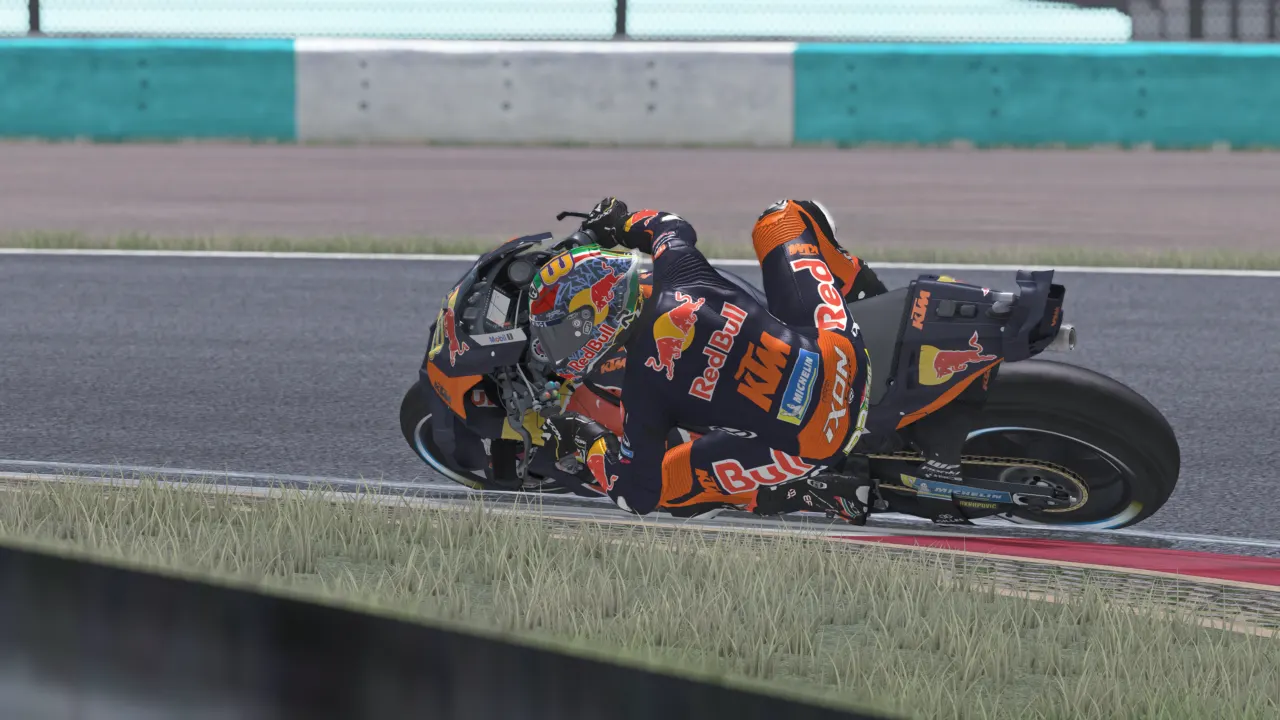
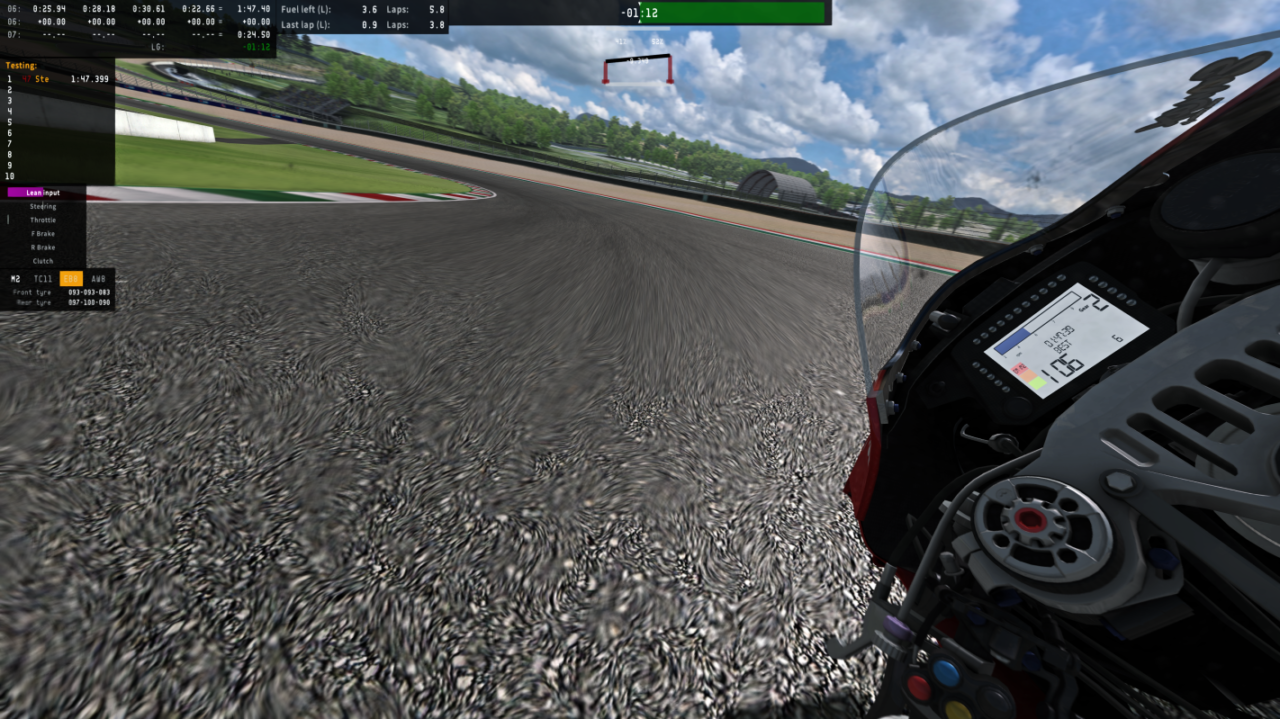
The highlight is motion blur though.
This mod includes:
– Reshade 4.9.1 installer
– 2 Reshade Presets (“everything is fine” + “everything is fine DOF” <– strictly for screenshots!)
– additional effects added by me for the currently best possible form of MOTION BLUR in GP-Bikes.
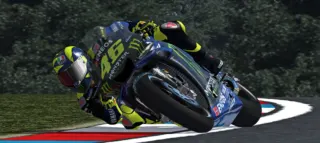
There’s one screenshot, showing it off. It looks bad on the screenshot, but since you don’t look at the outer edges
of the screen while riding, you only see the “good part” of that motion blur effect. I fiddled with it enough to make
it “as best as can be” within the boundaries of reshade. Feel free to contact me on the unofficial Discord if you think
you found a better setup.
After installation (tutorial here: https://youtube.com/watch?v=qyLjtTJwTSI ) I recommend making a dedicated folder for your presets so you keep it as tidy as possible.
IMPORTANT: Do not update Reshade. Stick to 4.9.1 otherwise the Depth-Of-Field (blur) effect for screenshots will not work. If you already had another version of Reshade installed, please correctly uninstall it first!
If you need support, ping me in the unofficial Discord for help!
Have fun!
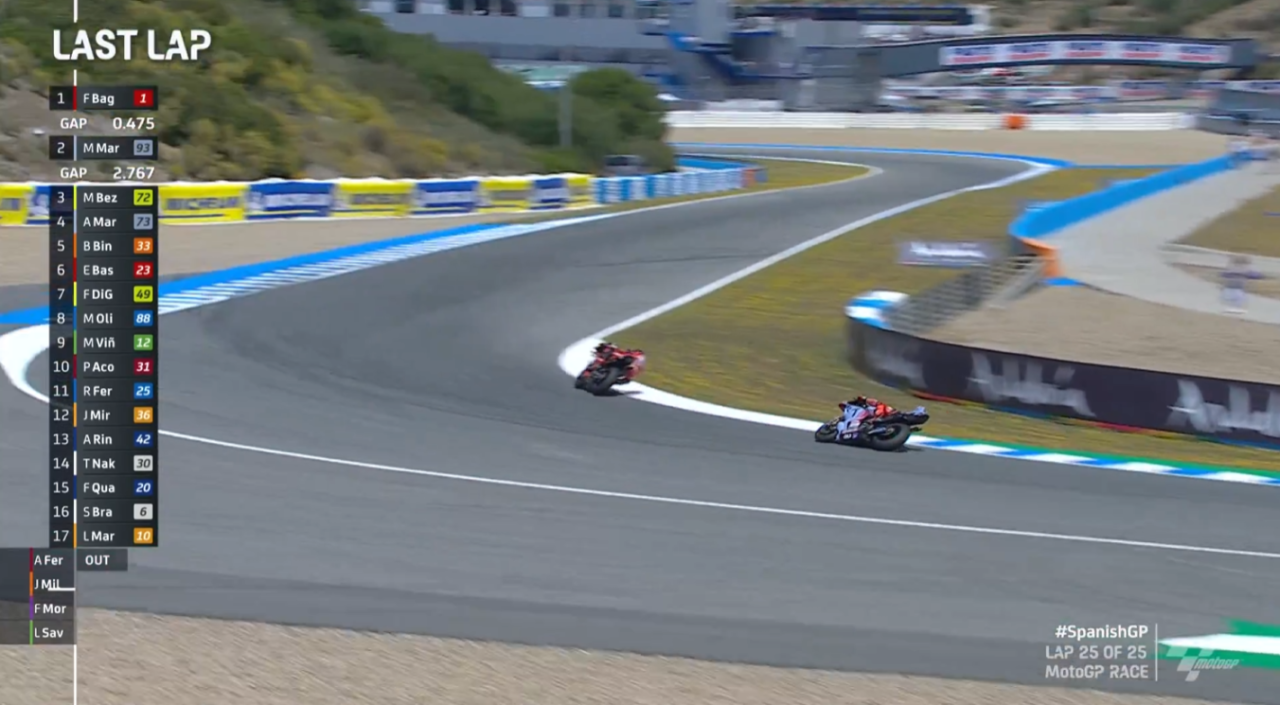
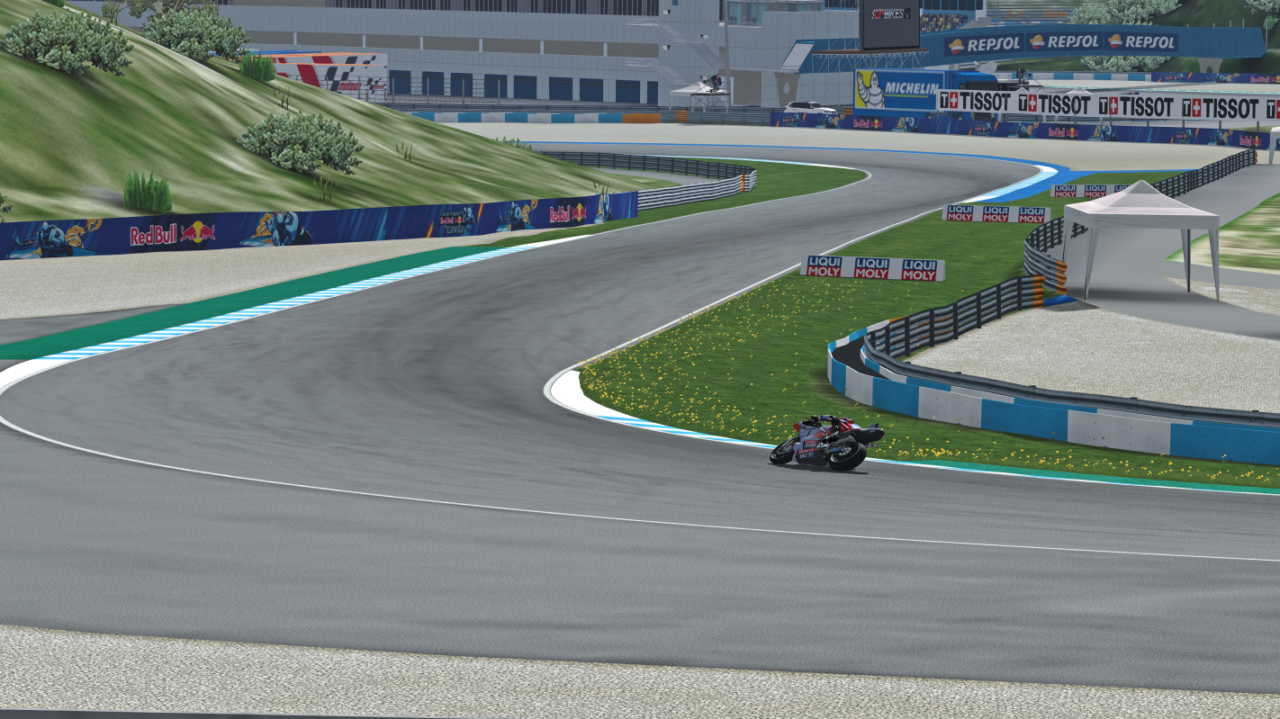
-
- This looks very wrong, but great in-game and in action.
Downloads
Made for Beta 21.
Mod Instructions
Refer to the README file for installation instructions.Or the YouTube-video!
Changelog3 entries · last Dec 25, 2024
- Installation process completely revised, PLEAS UNINSTALL THE OLD RESHADE AND USE THE NEW README. IT IS ESSENTIAL FOR IT TO WORK PROPERLY.
- Changed global contrast to better resemble TV footage accuracy.
LIGHTROOM_GLOBAL_CONTRAST=-0.356000 instead of 0.036000 - Changed tint to remove a bit of the green tint.
LIGHTROOM_GLOBAL_TINT=-0.030000 instead of 0.000000
Recommend Mod
Recommend this mod to other players. It needs 5 more recommendations.
